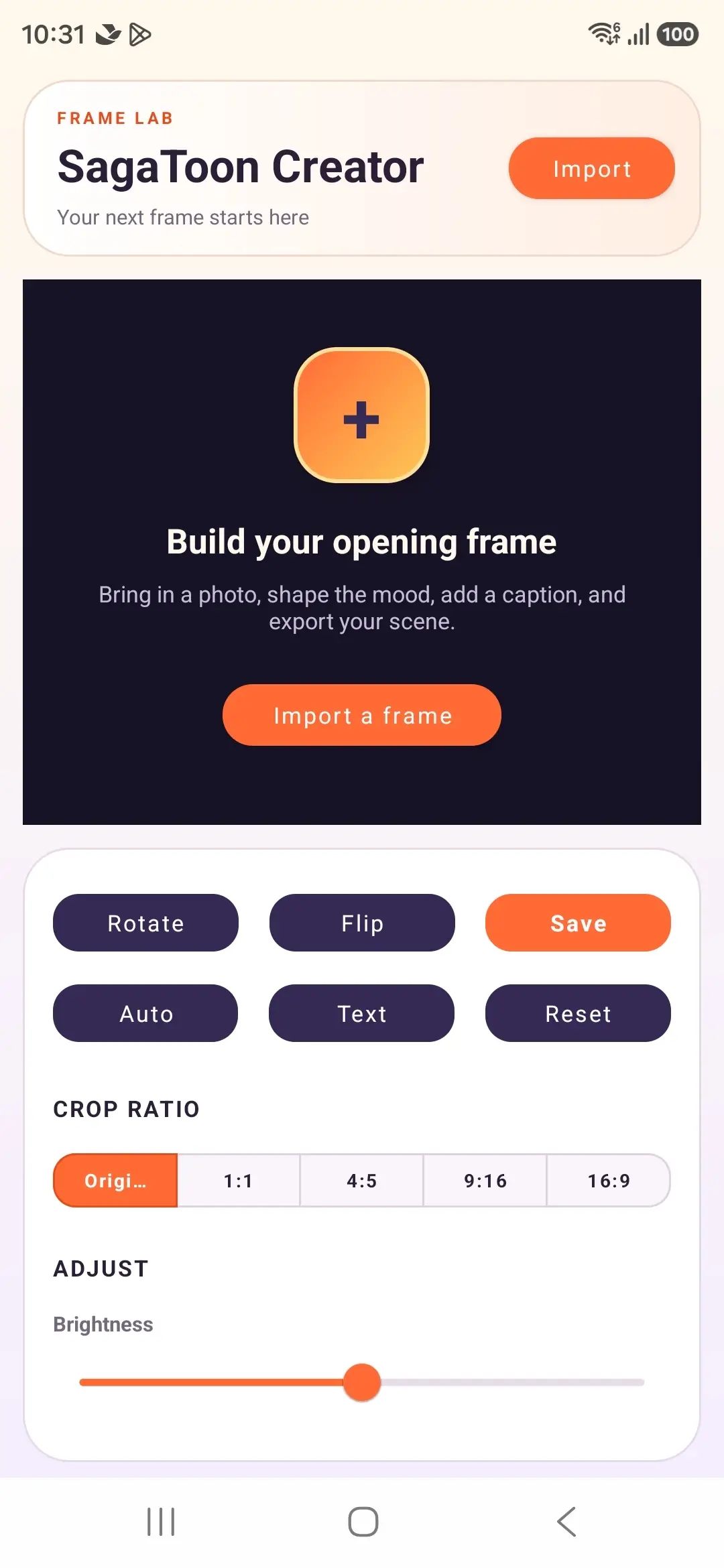
Open the frame01 / START
Bring the image into the canvas and choose a direction.
Bring in a photo, shape its mood, add a caption, and save the scene.
Every tool stays close to the canvas, so the image keeps its place while the mood changes around it.
Import a photo and let the opening frame set the direction for everything that follows.
Switch between the real SagaToon Creator states. The controls below follow the same rhythm as the editor: image first, decision second.
1080 × 2340 pxThese are the actual SagaToon Creator states: no mockups, no invented dashboard.
Bring the image into the canvas and choose a direction.
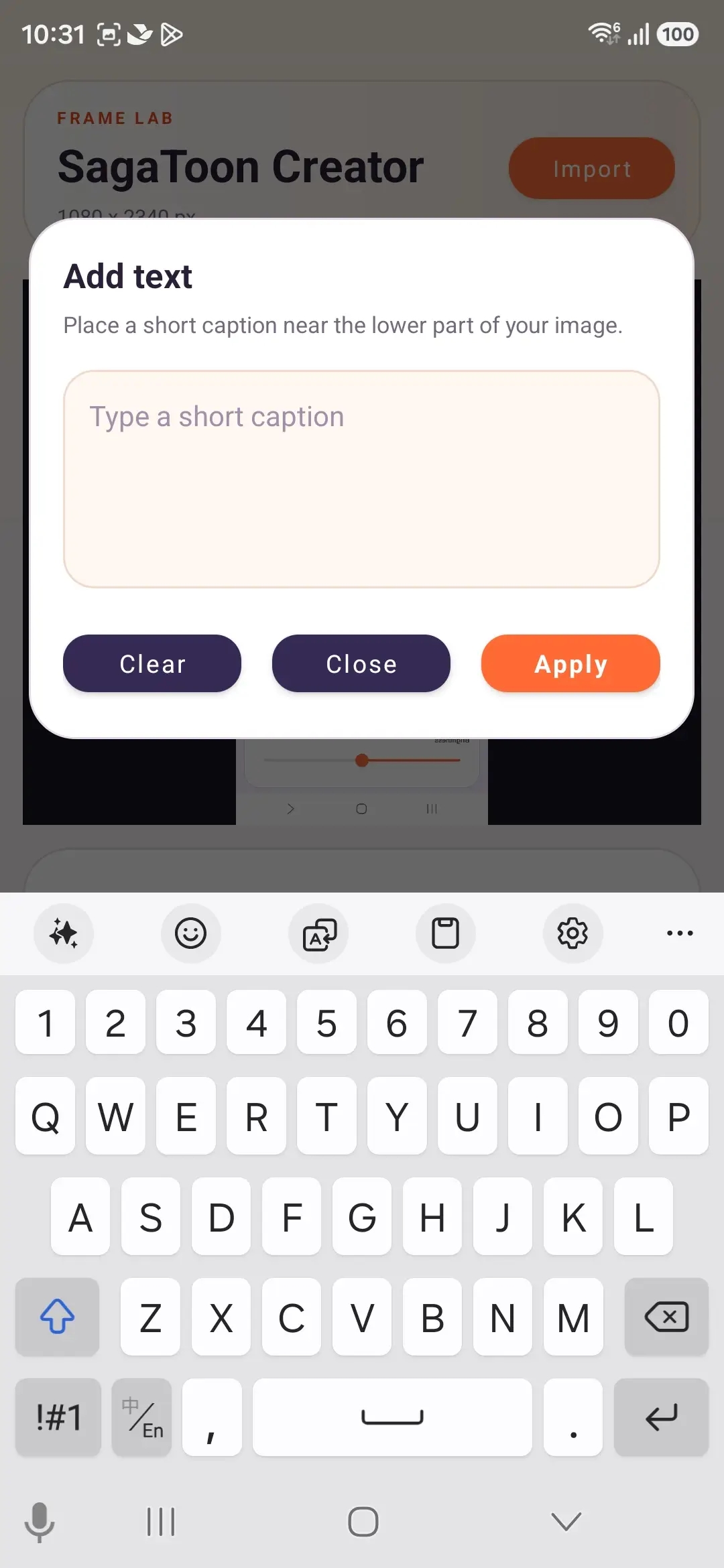
Keep the caption short and place it near the lower scene.
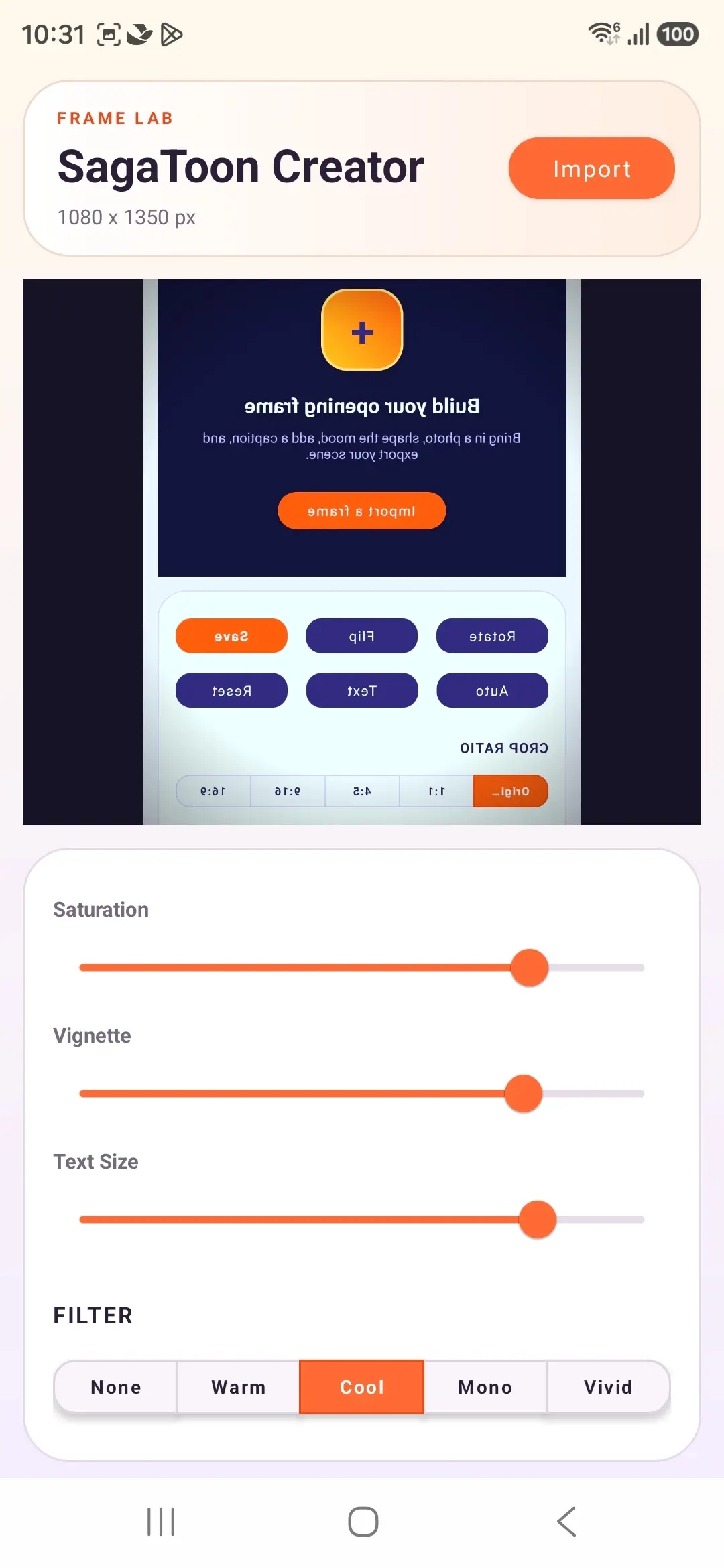
Move from cool to vivid until the frame feels like yours.
Try the same kind of adjustment shown in the editor. Slide between a warm opening and a cooler, more vivid frame.
Whether you are shaping an opening image or adding one last sentence, the workspace keeps the next decision visible and the rest out of the way.
Crop, rotate, flip, and reset are kept together so experimenting never feels risky.
The Text tool opens where the frame already is, ready for a short line instead of a separate writing flow.
Save is part of the same tool row, so the moment of “ready” is easy to find.
Send a note about the editor or share what you would like to make with it.
gankuconnect@gmail.com